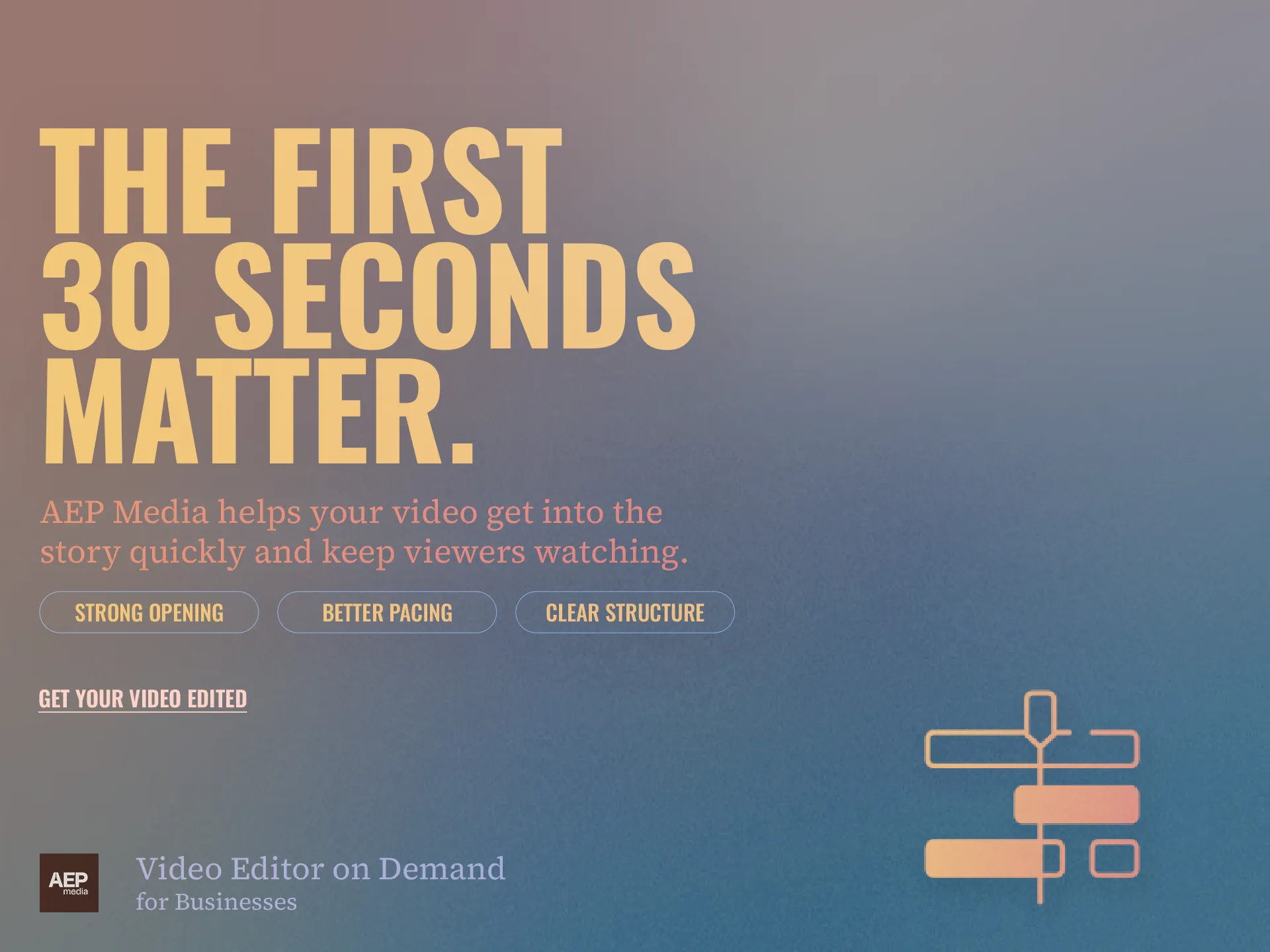
THE FIRST 30 SECONDS MATTER.
YouTube video editing can help your opening get to the point faster, establish the topic clearly and give viewers a reason to continue watching.
• Strong opening
• Better pacing
• Clear structure
GET YOUR VIDEO EDITED →
Table of Contents
- Why the opening matters
- What makes a weak opening
- 7 ways to improve the first 30 seconds
- The difference between a hook and a long introduction
- What happens after the opening
- How AEP Media approaches YouTube video editing
Why the Opening Matters
You can spend hours producing a video.
The camera can be excellent.
The information can be valuable.
The thumbnail can look great.
But the viewer still has to decide whether to continue watching.
The opening is where that decision begins.
YouTube’s audience retention tools allow creators to see how viewers respond to different parts of their videos. (support.google.com)
That makes the opening worth paying attention to.
YouTube video editing can help structure that opening so the viewer understands what the video is about without unnecessary delay.
What Makes a Weak Opening?
A common business video opening sounds like this:
“Hi everyone, welcome back to our channel. Today we are very excited to talk about…”
Then comes a long introduction.
Then the company introduction.
Then the topic.
By the time the useful information begins, the viewer may already have left.
The problem is not necessarily the introduction itself.
It is that the viewer has not yet been given a strong reason to stay.
7 Ways to Improve the First 30 Seconds
1. Start with the strongest idea
If your video contains a surprising statement, useful result or important problem, consider bringing it forward.
Do not automatically begin with the first sentence that was recorded.
2. Tell viewers what they will learn
Give the viewer a clear expectation.
For example:
“By the end of this video, you will know how to turn one podcast into ten short videos.”
That is much clearer than a generic introduction.
3. Remove unnecessary greetings
A short greeting is fine.
A 30 second introduction before the actual topic is usually unnecessary.
4. Show the result early
If the video demonstrates something, consider showing a preview.
If it is an event highlight, show an interesting moment.
If it is an educational video, show the outcome.
5. Use visual changes
The opening can combine:
• Speaker footage
• B roll
• Text
• Graphics
• Screenshots
This can make the first section more visually interesting.
6. Keep the promise clear
If your title says:
“How to Turn One Podcast Into 10 Reels”
the opening should quickly establish that this is what the viewer will receive.
The content should deliver on the expectation created by the title and thumbnail.
7. Remove anything that delays the topic
After editing the first draft, ask:
Can this sentence be removed?
Can this introduction be shorter?
Can the useful information start earlier?
That simple review can make a noticeable difference.
The Difference Between a Hook and a Long Introduction
A hook does not necessarily mean shouting a dramatic statement.
For business content, a hook can simply establish a relevant problem.
For example:
“Your company may already have enough footage to publish for the next month.”
That creates a reason to continue.
The viewer wants to know how.
The rest of the video can then explain the process.
What Happens After the Opening?
A strong opening is only the beginning.
The rest of the video needs to deliver on the promise.
That means the structure should remain clear.
For example:
Problem
↓
Why it happens
↓
Solution
↓
Examples
↓
Action
This is where YouTube video editing can help shape a long recording into a clearer viewing experience.
How AEP Media Approaches YouTube Video Editing
AEP Media can take a long recording and structure it into a finished YouTube video.
The editing process can include:
• Stronger opening
• Removing unnecessary sections
• B roll
• Graphics
• Captions
• Sound design
• Pacing adjustments
The objective is not to manipulate viewers.
It is to make sure the useful content gets to them without unnecessary friction.
Learn more about AEP Media.
Reference: YouTube Creator Support: Audience Retention